

Registering your email in PIFRA (Project to Improve Financial Reporting and Auditing) is a significant step for government employees in Pakistan to manage their financial affairs efficiently. This guide will walk you through the process, ensuring you can easily receive your salary slip and pension details directly in your inbox.
Understanding PIFRA
PIFRA stands for Project to Improve Financial Reporting and Auditing. It’s a government initiative aimed at enhancing the financial management and auditing processes within the government sector of Pakistan. By digitizing salary and pension slips, PIFRA DDO has significantly streamlined financial management for government employees, promoting transparency and accountability.
Read also: Amazon Virtual Assistant
Why Register Your Email with PIFRA?

Registering your email with PIFRA allows you to receive your monthly salary slip and pension details directly in your email, eliminating the need for physical collection and reducing the risk of misplacement or delays. It’s a secure, efficient, and environmentally friendly way to manage your financial records.
How to Register Email in PIFRA – Step-by-Step Guide
1. Visit the Official PIFRA Website
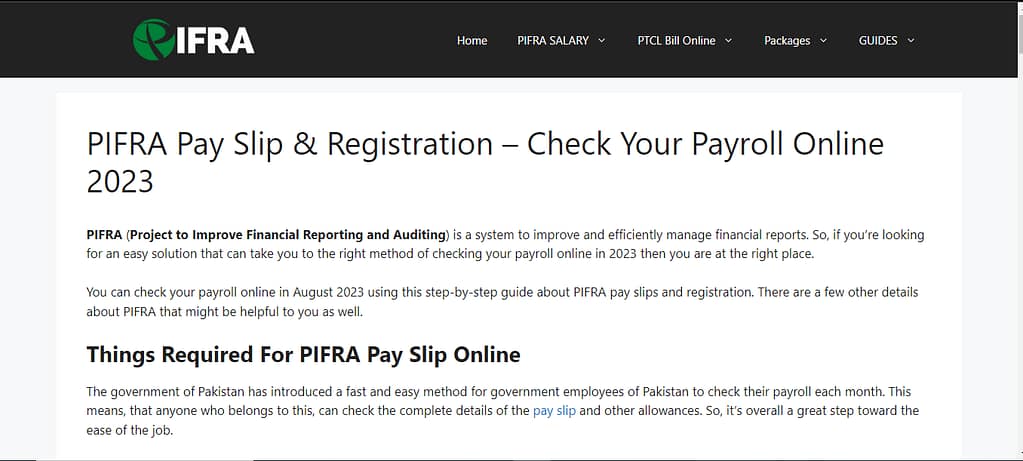
Start by navigating to the official PIFRA website. This is where you’ll find the registration form and all necessary instructions.
2. Fill Out the Registration Form
The registration form requires your personal and employment details. You’ll need to provide your full name, government employee number, CNIC number, date of birth, and an active email address.
3. Submit the Form
After filling out the form, review your information for accuracy and submit it. A confirmation email will be sent to the email address you provided.
4. Confirm Your Email Address
To complete the registration process, open the confirmation email and follow the instructions to verify your email address. This step is crucial to activate your PIFRA account.
Maximizing the Benefits of PIFRA Email Registration
Once you’ve successfully registered your email in PIFRA, you’re on your way to experiencing a more streamlined way of managing your financial documents. But why stop there? Let’s explore how you can maximize the benefits of your PIFRA email registration.
Ensuring Email Security and Privacy
Your financial documents contain sensitive information, making email security paramount. Use a strong, unique password for your email account and enable two-factor authentication (2FA) if available. Regularly monitoring your inbox for the PIFRA emails ensures that you’re always in the loop regarding your financial status.
Leveraging PIFRA for Efficient Financial Planning
With monthly salary slips directly in your inbox, you have a consistent record of your earnings and deductions at your fingertips. Use this information to track your financial health, plan your budget, and prepare for tax season. It’s an excellent way to keep your financial goals in check and make informed decisions about your savings and investments.
Staying Updated with PIFRA Notifications
PIFRA doesn’t just send salary slips; it can also send notifications about new policies, updates, or changes in the financial management system. Keeping an eye on these updates can help you stay informed about any changes that might affect your salary or pension benefits.
Troubleshooting Common PIFRA Email Registration Issues
Even with a straightforward process, you might encounter some hiccups along the way. Let’s address some common issues and their solutions.
Not Receiving Confirmation Emails
If you’ve completed the registration but haven’t received a confirmation email, check your spam or junk folder. Email providers sometimes mistakenly filter these emails. If it’s not there, ensure you entered your email address correctly during registration.
Incorrect Information Submitted
Mistakes happen, and if you’ve submitted incorrect information, it’s essential to correct it promptly. Contact PIFRA’s customer support with the correct details to update your information. This ensures that your financial documents are accurate and sent to the right place.
Accessing PIFRA Support for Unresolved Issues
If you encounter issues that you can’t resolve on your own, PIFRA’s customer support is there to help. Whether it’s registration troubles, email changes, or not receiving your salary slips, reaching out to support can provide you with the assistance you need.
People also ask
Can I Register with Any Email Provider?
Yes, you can use any active email account for registration. However, it’s recommended to use a Gmail account for a smoother experience.
What If I Need to Change My Registered Email?
If you need to change your registered email address, you can do so by sending an email to unsubscribe@pifra.gov.pk, mentioning your personal number and the incorrect email address. After unsubscribing, you can register a new email address following the same registration process.
How Often Will I Receive My Salary Slip?
Once registered, you will receive your salary slip in PDF format via email every month, without fail.
What Should I Do If I Don’t Receive My Salary Slip?
If you don’t receive your salary slip, check your spam folder and ensure your email address is correctly registered. If the problem persists, contact PIFRA customer support for assistance.
Final Words
Registering your email in PIFRA is more than just a convenience; it’s a step towards embracing digital financial management. With direct access to your financial documents, enhanced security, and the ability to plan and track your financial health, PIFRA’s email registration system is an invaluable tool for government employees in Pakistan. Follow this guide, maximize the benefits, and navigate any issues with confidence, knowing that PIFRA is designed to make your financial management experience as smooth and efficient as possible.

